

- Thread Author
- #1
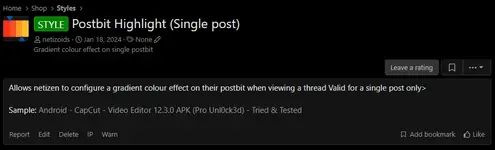
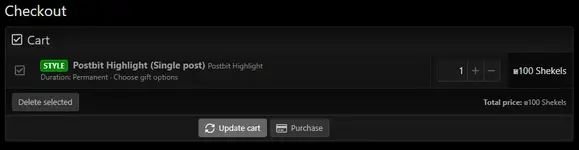
1. Purchase at the Shop or click here: STYLE - Postbit Highlight (Single post)
2. Click Purchase button to purchase
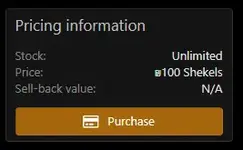
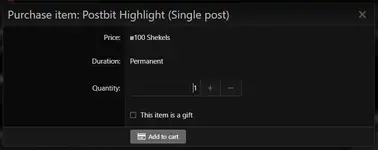
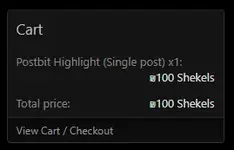
4. Scroll down and look for the Cart at the sidebar then click View Cart / Checkout
6. To configure, go to the post you want to highlight. Eg. I want to apply the postbit highlight on my update post on my thread 28 Years Later (2025) see image below:

7. Click the post number located in the upper right of the post box. On my example is #73 (yellow circle)
8. The link of the post will be loaded, it will be shown on the address bar (see screen shot below). The number after "#post-" is the post id. Highlight & copy it as shown

9. Go to your inventory by clicking your account name
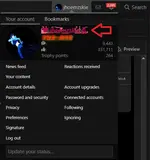
10. Look for the newly purchased Postbit Highlight (Single Post). It is still not configured then it will be on "Inactive Purchases" Category. Click configure, select the color you want and paste the POST ID. Finish the Configuration by clicking SAVE.

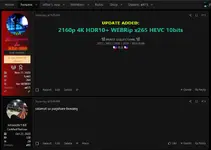
- RESULT PREVIEW -
Last edited:


