

- Thread Author
- #1

IMPORTANT: Your server must have at least PHP 7 for the theme to work.
Simple installation:
1. Check your server limits for upload size. You should have at least 48MB
upload_max_filesize 48M
2. Other server recommendations to import demo content.
WP_MEMORY_LIMIT - 526
max_execution_time 180
memory_limit 96M
post_max_size 32M
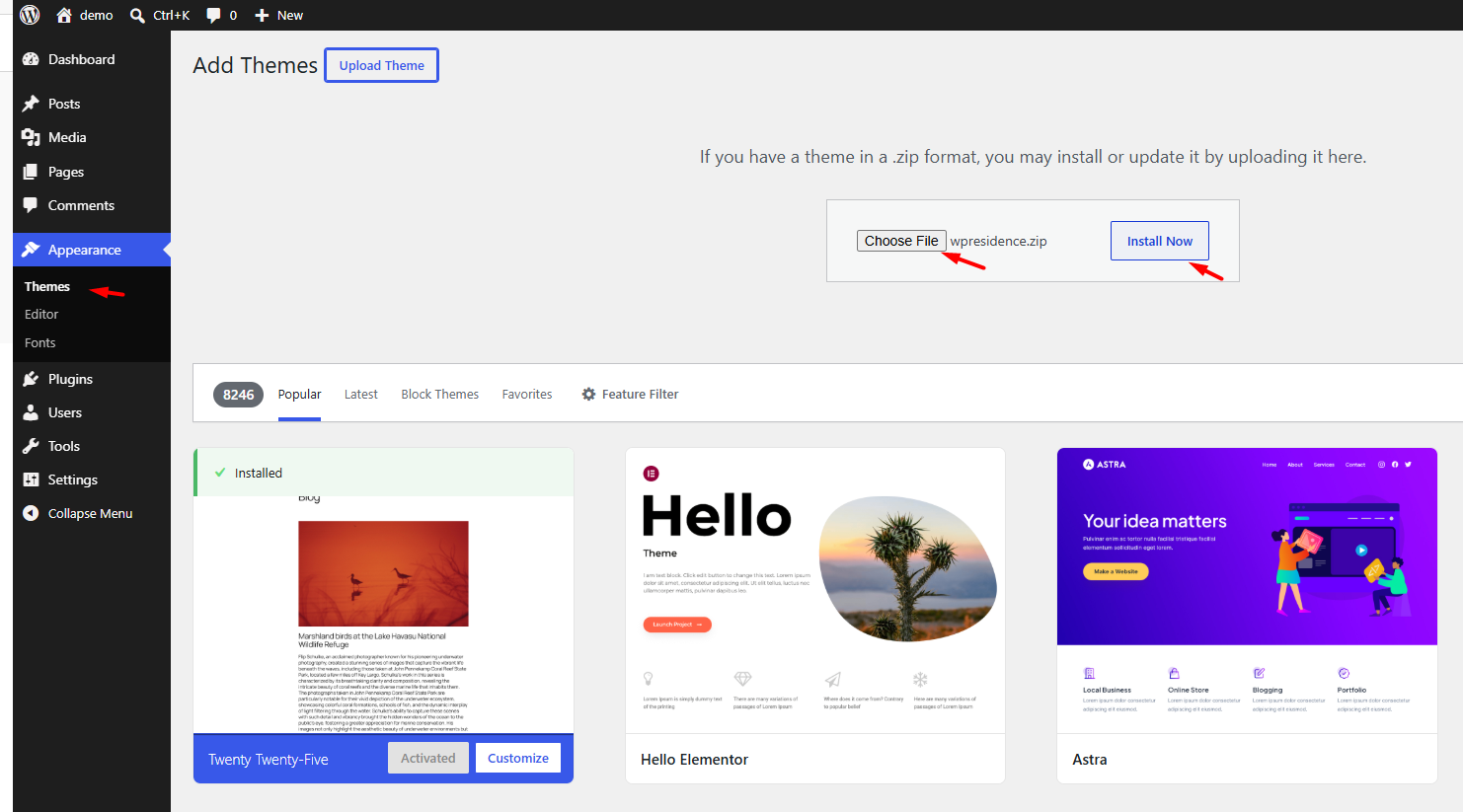
3. Install the theme via the WordPress method
– Unzip “All files & documentation” package downloaded
– Find wpresidence.zip
– Upload ONLY wpresidence.zip from Appeareance / Themes / Install Themes uploader
– Ǻ¢ṪïṼàte the theme and then add your purchase license c0d3 to get access to all theme option
4. Demo import help
How to use One Click Demo Import - WP Residence Help
Content Overview Before you import a demo Demo import video tutorials Check server requirements Install and Ǻ¢ṪïṼàte WPResidence Install the required plugins Register the theme license Allow SVG icons before demo import Import the demo If demos are not listed After demo import Import Revolution...
 help.wpresidence.net
5. Theme update help
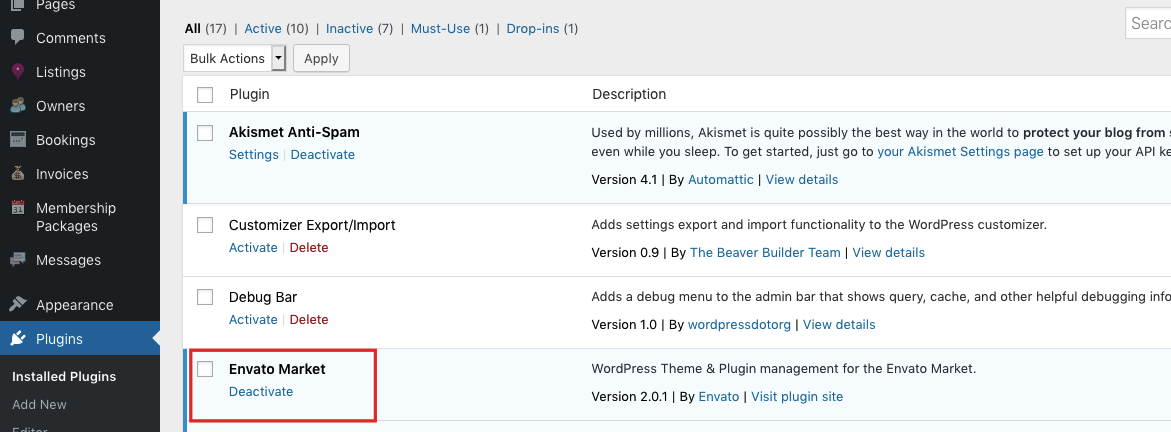
Update WPResidence Theme & Included Plugins - WP Residence Help
Help Content Why updates matter Before you update, read first Create a full backup Check the changelog Update the theme with Envato Market plugin, recommended Update required and bundled plugins Update the theme via FTP Update the theme via WordPress dashboard, manual reinstall Update plugins...
help.wpresidence.net
====================
Download and Preview
====================
Theme Preview


Last edited:


